free pet emergency card.
If you are in an accident, nobody knows your pets are alone at home. Make a wallet card and a lock-screen image that tell them, in under a minute.
This is an example household. Type over it with your own pets, or .
Saved only on this device. We never see your pets' details. Never type door or alarm codes here.
Loading the tool…
what you get.
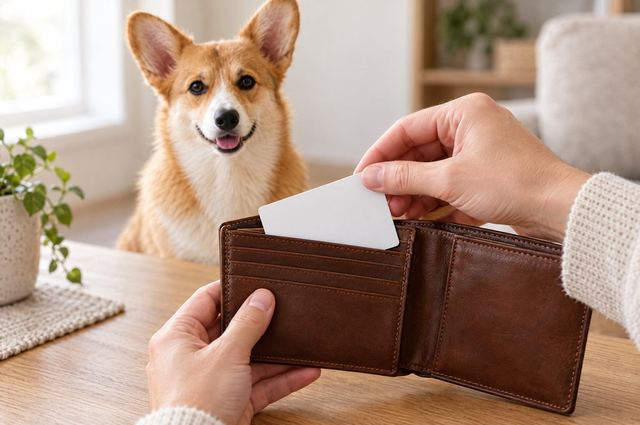
- A wallet card that says “my pets are home alone”, with each pet’s name and species.
- Your emergency contact’s name and phone number.
- Your vet’s name and phone number.
- A lock-screen image for your phone, sized for modern phones, with the same details.
why it helps.
Emergency responders look for ID in a wallet and on a phone lock screen. A card next to your ID is the first thing they find.
Name a contact who has a key, or who knows who has one. Tell that person about the card.
Update the card when you get a new pet or a new vet.
how to use it.
Four steps. About two minutes for a home with two pets.
Add your pets
Type each pet’s name and choose dog or cat.
Add an emergency contact
Add the name and phone number of a person who can reach your home. Ask them first.
Save the lock-screen image
Tap Save as lock-screen image. Set the image as your phone’s lock screen.
Print the wallet card
Print the card, cut it out and keep it next to your ID.
questions about this tool.
What should a pet emergency card say?
Say that your pets are home alone. List each pet’s name and species. Add an emergency contact with a phone number, and your vet’s phone number.
Why make a lock-screen image?
Many people carry a phone but no wallet. A locked phone still shows its lock screen, so anyone who picks it up sees the message.
Is my information uploaded anywhere?
No. The card and the image are made in your browser, on your device. We never receive your details.
read next.
Plain guides, checked against veterinary sources.